Sliding Desktop Outlet
■ STS-SC04 SERIES
■ Overview :
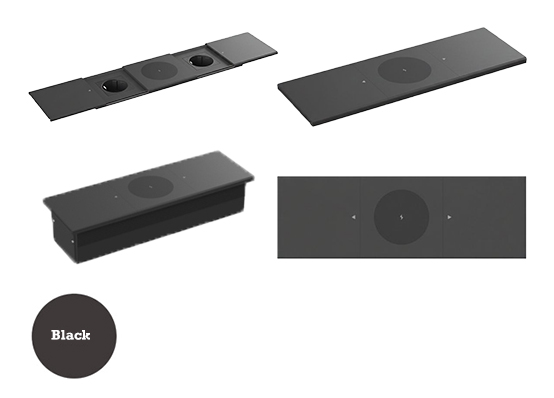
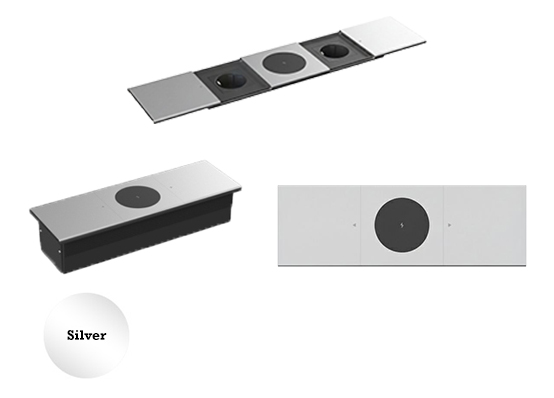
| Model | Color | Material | Wireless charging | Version ( Module Capacity ) | Cutout ( mm ) |
|---|---|---|---|---|---|
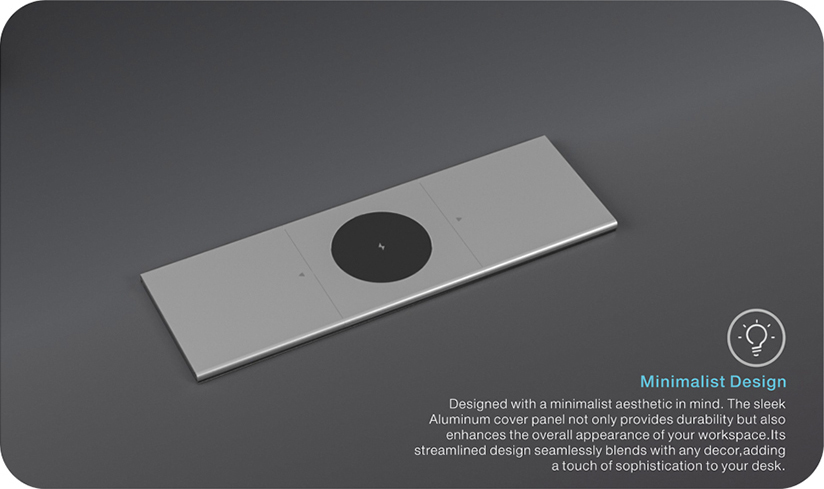
| STS-SC04B/2F/Qi | Black | Aluminum +PVC | 15 W | 4 | 247× 70 |
| STS-SC04S/2F/Qi | Silver | Aluminum +PVC | 15 W | 4 | 247× 70 |
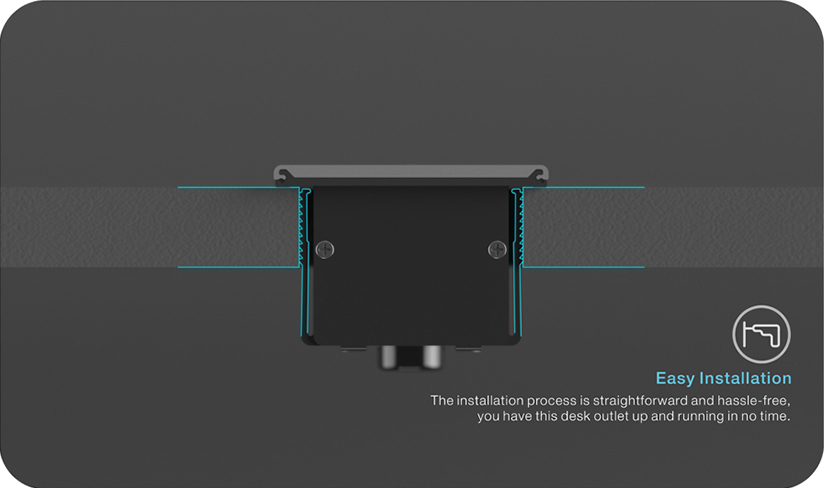
■ Installation Instructions :
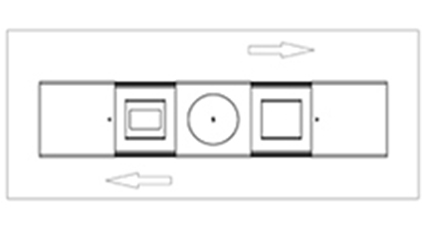
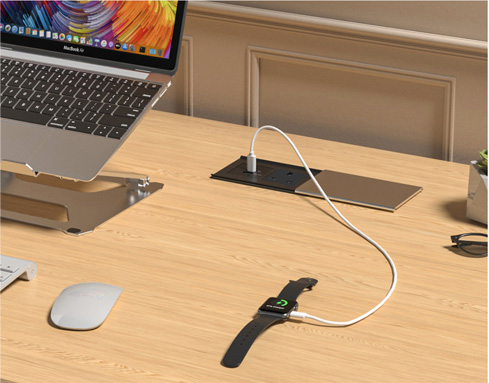
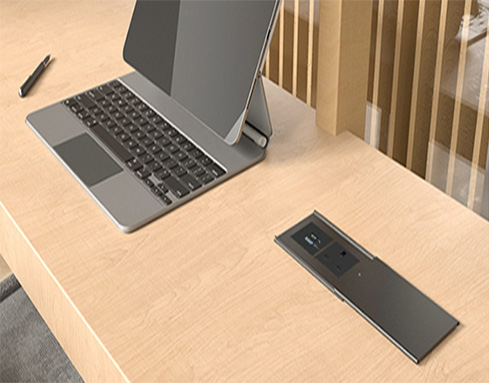
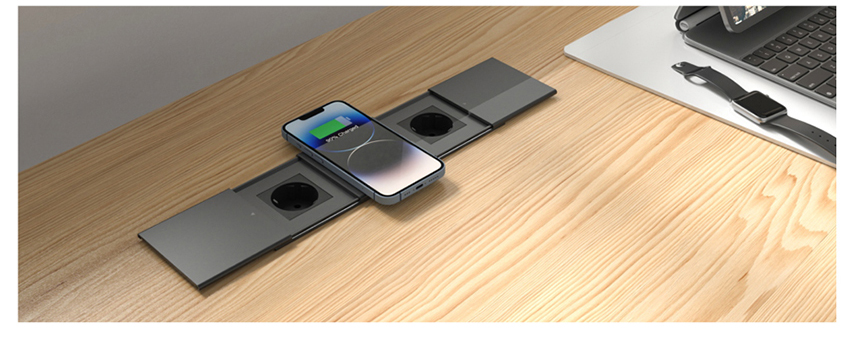
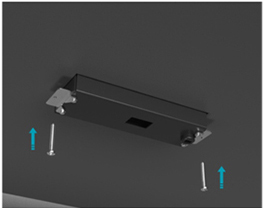
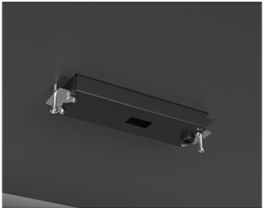
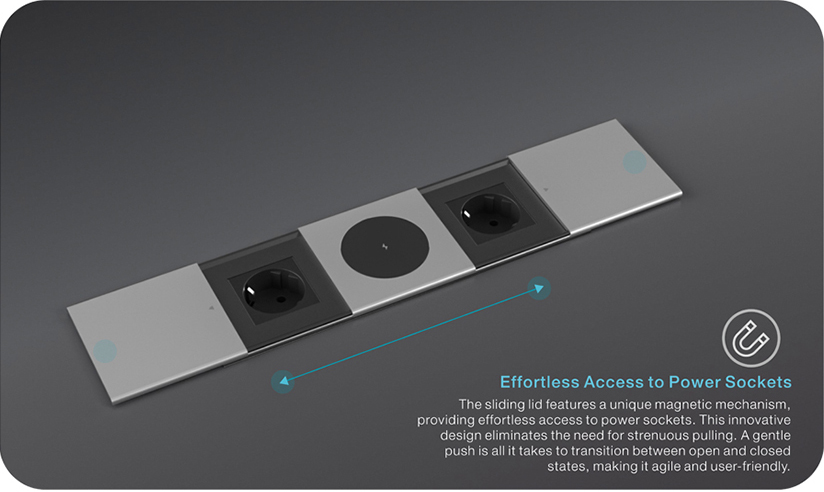
Slide open the lid to access the power outlets.
Slide back the lid to conceal the power outlet when not in use.
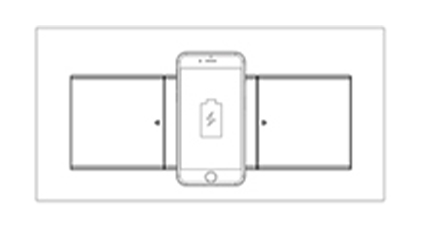
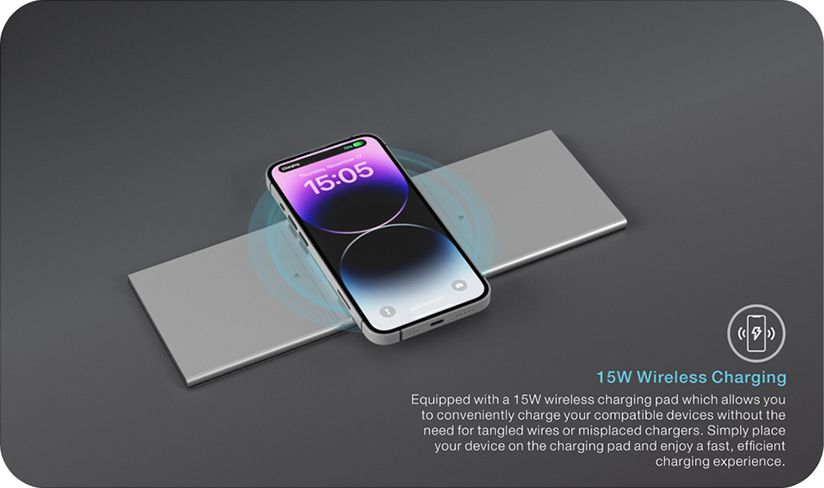
Place the device gently on the top of cover and charge, compatible with all Qi enabled devices. Make sure the center of the device is aligned over the center of charging base .
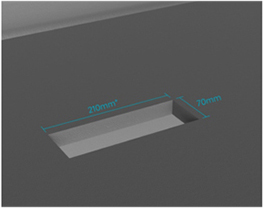
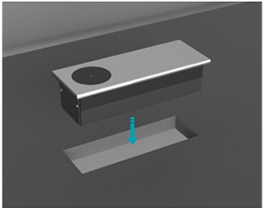
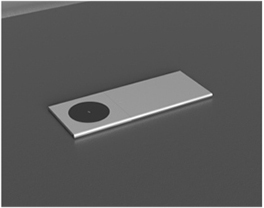
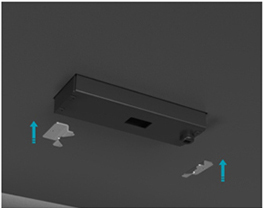
■ EXTENSIVE RANGE OF MODULE OPTIONS :
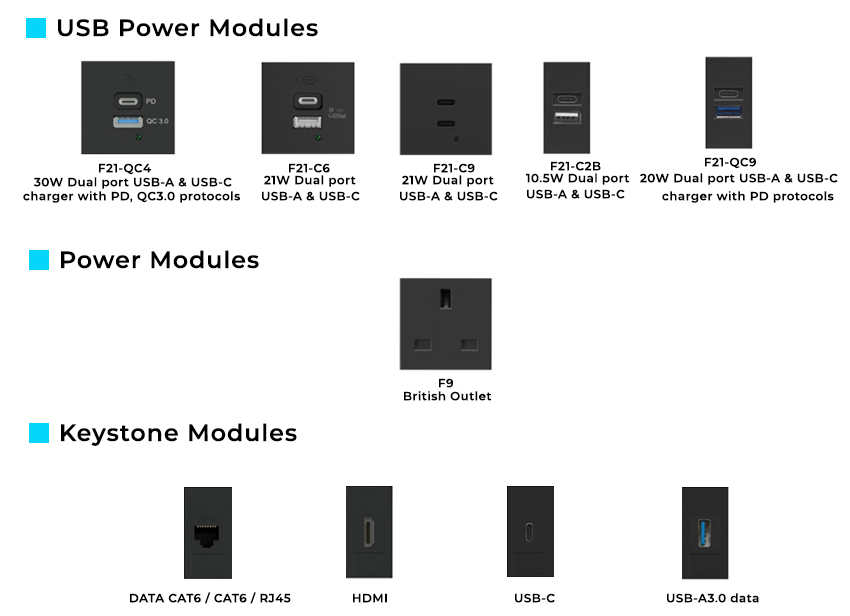
■ Please contact our sales representative to learn more about the modules compatibility .